
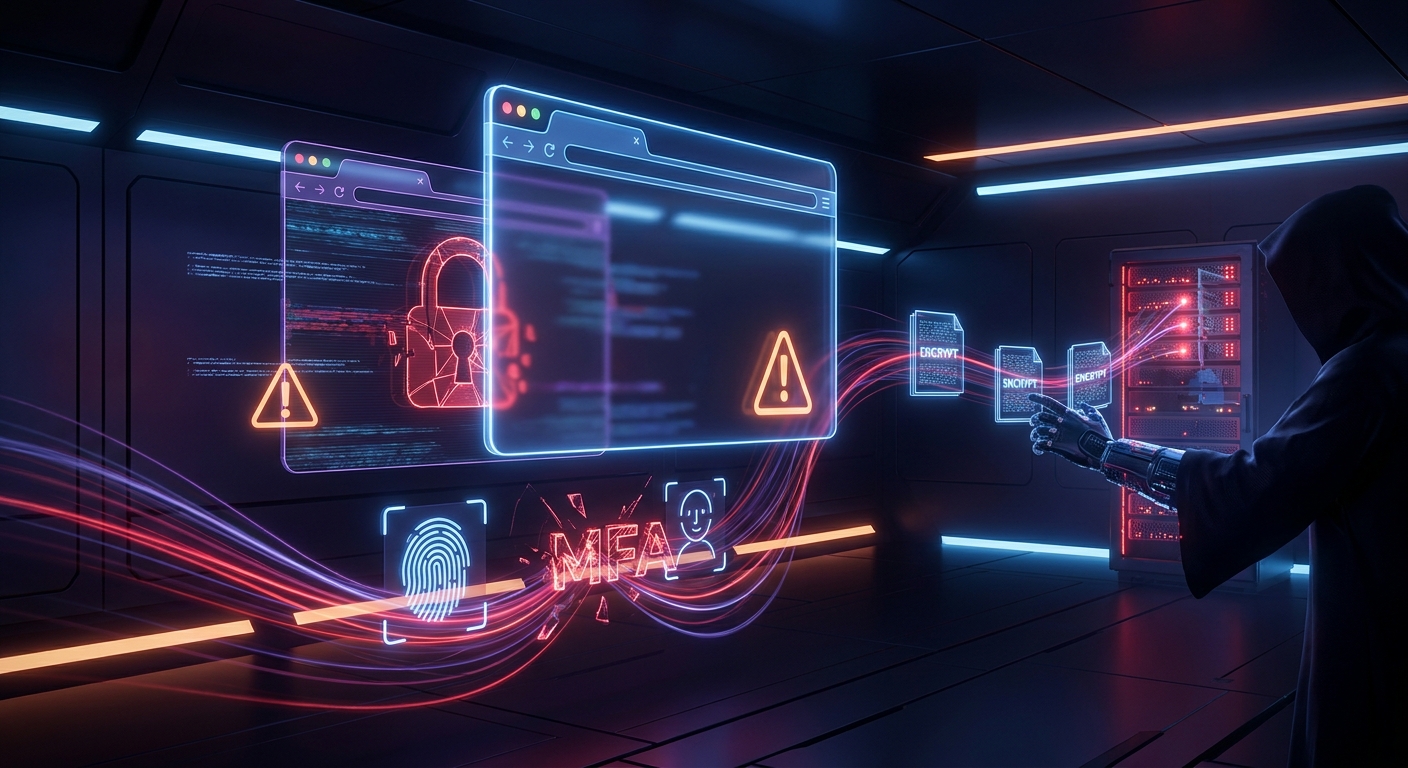
Fake SaaS login windows have moved from novelty phishing tricks into a serious enterprise risk. In 2026, the most effective campaigns rarely rely on crude spoofed domains or obvious typosquats alone. Instead, attackers increasingly stage authentication flows inside convincing browser-rendered pop-ups that mimic Microsoft 365, Google Workspace, Okta, Slack, GitHub, Apple, or internal single sign-on portals with alarming precision. The result is a phishing technique that bypasses the instincts many users have developed over the last decade: users are taught to inspect the address bar, but in a Browser-in-the-Browser (BitB) attack, the address bar is part of the illusion.
BitB is not just a visual trick. It is a phishing delivery model optimized for modern identity infrastructure. By weaponizing browser chrome, embedded iframes, CSS, JavaScript, and legitimate-looking SaaS branding, attackers can create login prompts that feel native to the platform users expect. In parallel, these campaigns are increasingly paired with MFA fatigue, adversary-in-the-middle (AiTM) token interception, and session hijacking tooling that turns a single stolen login into durable access. The boundary between “credential theft” and “account takeover” has narrowed dramatically.
What Browser-in-the-Browser Actually Is
Browser-in-the-Browser is a phishing technique in which a fake browser window is rendered inside a web page to impersonate a legitimate third-party login prompt. The user believes they are authenticating with a real SSO provider or external service, but the entire window is HTML/CSS/JavaScript controlled by the attacker. The fake pop-up can reproduce a browser frame, padlock iconography, URL bar, window controls, and OS-specific visual cues with enough fidelity to fool a hurried employee on a managed or unmanaged device.
This technique became widely discussed after public demonstrations showed how easily a malicious actor could imitate a Microsoft, Google, Facebook, Steam, or Apple login dialog. In practice, the attack has evolved beyond simple imitation. Criminal operators now use polished kits, cloned templates, and live credential relays that make BitB a front-end to broader phishing infrastructure.
Why It Works
BitB succeeds because it exploits user expectations rather than software vulnerabilities. Modern users have been trained to trust:
- browser pop-ups that “look official”
- SSO redirects embedded in enterprise workflows
- consent prompts and account verification flows
- familiar logos, fonts, and layout conventions
In a genuine login flow, the browser chrome is a trust anchor. BitB neutralizes that anchor by drawing a fake version inside the page itself. If the user sees a polished login window, a lock icon, and a believable domain string, many will not question what they are looking at.
Why BitB Has Become More Dangerous in 2026
BitB is not new, but the threat landscape around it has changed. Several trends have made fake SaaS login windows far more effective than they were even two years ago.
1. SSO ubiquity
Organizations now centralize authentication around Microsoft Entra ID, Google Workspace, Okta, and other identity providers. This reduces password sprawl, but it also concentrates risk. If an attacker can convincingly mimic one SSO window, they may be able to harvest access to email, CRM, code repositories, finance platforms, collaboration tools, and cloud consoles in a single stroke.
2. Users are habituated to browser-based sign-in
Employees log in through browser pop-ups all day long. Consent screens, reauthentication dialogs, device registration notices, and conditional access prompts have made browser-authentication behavior ordinary. That normality creates space for abuse.
3. Phishing kits are more sophisticated
Criminal toolkits now combine BitB-style UI deception with reverse proxy phishing, credential replay, session cookie capture, and MFA token interception. The fake login window is often only the first layer. Behind it sits infrastructure designed to capture the authenticated session and retain access even after passwords are changed.
4. The browser is the new enterprise perimeter
As SaaS adoption expands and remote work remains entrenched, the browser has become the primary interface to corporate systems. Security teams have responded with endpoint detection, secure web gateways, and identity protection, but the browser itself remains a highly exposed attack vector.
BitB, MFA Fatigue, and the New Phishing Lifecycle
The most important change in 2026 is that attackers no longer need to stop at stolen passwords. They use BitB to begin an interactive compromise chain.
Step 1: Social engineering
The victim receives a lure through email, SMS, social media, collaboration apps, or a compromised business account. The message often claims the user must view a document, approve a shared file, update a calendar invite, review an HR notice, or confirm access to a SaaS application.
Step 2: Fake SaaS login window
The link lands on a polished site that either hosts the fake pop-up directly or embeds it inside a legitimate-looking page. The window imitates a common sign-in provider, often with a spoofed address bar, browser chrome, and familiar branding.
Step 3: Credential capture
The user enters their username and password. In advanced campaigns, the phishing page relays the credentials immediately to a real authentication endpoint or attacker-controlled proxy, allowing the operator to harvest valid login details in real time.
Step 4: MFA push abuse or token interception
If the target uses push-based MFA, attackers may trigger repeated login requests to create fatigue and encourage accidental approval. If the target uses OTPs or one-time verification codes, the phishing page can capture them live. If the environment is vulnerable to AiTM, the attacker may steal session cookies and bypass MFA altogether after the first successful authentication.
Step 5: Session hijacking and persistence
Once inside, attackers often focus on mailboxes, cloud storage, password reset channels, OAuth grants, and admin consoles. A stolen session token may remain valid even if the user changes the password, making the compromise far more durable than a simple credential theft incident.
How Fake SaaS Windows Support Session Hijacking
The real prize in many 2026 phishing campaigns is no longer the password. It is the session.
Modern identity systems issue tokens that prove the user has already authenticated. If an attacker captures those tokens, they can often access services without re-entering the password or triggering MFA again. This is why BitB is so effective as an entry point: it creates a convincing front door for attacks that end with token theft.
Common downstream abuse includes:
- mailbox rule creation to hide security alerts and exfiltrate correspondence
- OAuth consent abuse to grant a malicious app access to mail, files, or calendars
- session cookie theft for persistent browser-based access
- cloud data exfiltration from OneDrive, Google Drive, Slack, Confluence, or Jira
- internal phishing from a trusted, compromised account
This is what makes fake login windows so valuable to threat actors: the visual deception is only the first phase of a broader identity compromise.
The Attack Vectors Behind the Trend
BitB is usually delivered through several recurring attack vectors. Social engineering remains central, but the payload may arrive through different channels depending on the target and operator.
- Email phishing: the classic entry point, often with document-sharing or account verification themes.
- SMS and messaging lures: especially effective against mobile users who are accustomed to clicking quick approval links.
- Search poisoning and malvertising: users searching for SaaS login pages may land on fraudulent portals promoted in ads or manipulated results.
- Compromised legitimate sites: attackers inject or redirect to fake authentication layers from trusted domains.
- Collaboration-app abuse: Teams, Slack, and similar platforms are increasingly used to deliver internal-looking lures.
In every case, the attacker’s objective is the same: push the victim into a browser-based trust decision under time pressure.

Why Traditional Defenses Miss BitB
Classic phishing defenses were built for a world of obvious fake domains, poor grammar, and inconsistent branding. BitB is more adaptive.
Several controls that once helped are now less reliable:
- Domain reputation checks may not flag an attacker-controlled site if it is newly registered, compromised, or hosted on a benign-looking platform.
- Brand awareness training helps, but visual fidelity can overcome even cautious users.
- SMS MFA remains vulnerable to real-time phishing and SIM-related abuse.
- Browser warnings are often absent when the attack is rendered entirely inside a page.
- Password reuse makes one stolen credential pair useful across multiple services.
Organizations that still rely heavily on user vigilance alone are increasingly exposed. BitB is designed to defeat casual inspection.
Defensive Controls That Actually Matter
Stopping BitB requires layered identity defense, browser hardening, and session-aware monitoring. No single control is sufficient.
1. Use phishing-resistant MFA
Move away from SMS and approval-based push where possible. FIDO2 security keys and passkeys offer stronger resistance to real-time phishing because they bind authentication to the legitimate origin. That origin binding is especially valuable against fake browser windows and reverse-proxy credential relays.
2. Harden SSO and conditional access
Require device compliance, risk-based sign-in policies, and step-up authentication for sensitive actions. If an attacker steals a valid session, restrict what that session can do without reauthentication.
3. Monitor for impossible behavior after login
Identity telemetry should look for:
- new geographic access patterns
- unusual OAuth consent grants
- mail forwarding rule creation
- bulk file access or downloads
- new device registrations soon after initial sign-in
- rapid MFA prompt bursts followed by a successful session
4. Control browser extensions
Malicious or over-permissioned browser extensions can capture credentials, session cookies, and page content. Enterprises should inventory installed extensions, restrict sideloading, and review high-risk permissions such as read/write access to all websites, cookies, and browsing history.
5. Improve browser-level visibility
Security teams should consider browser telemetry, SaaS-specific detection, and client-side inspection where appropriate. The browser is now a runtime environment, not just a window.
6. Train users to trust password managers, not visuals
Password managers can act as an anti-phishing signal. If a saved credential does not autofill where expected, the user should treat the page as suspicious. This is not perfect, but it is more dependable than training users to visually inspect fake browser chrome.
What Security Teams Should Watch Right Now
Threat intelligence from 2025 into 2026 shows a strong overlap between BitB, AiTM phishing, infostealer deployment, and SaaS compromise. In practical terms, defenders should watch for the following indicators:
- newly registered domains that imitate Microsoft, Google, Okta, or Adobe workflows
- web pages using browser-frame replicas inside nested HTML structures
- abnormal sign-in attempts from proxy-hosted infrastructure
- victims receiving repeated MFA requests within short intervals
- browser sessions that suddenly begin creating OAuth app consents
- unusual downloads of mailbox archives, exports, or cloud-synced files
Where possible, hunting should extend beyond the initial login event. The post-authentication phase is where the real damage often occurs.
The Bigger Picture: Identity Is the Battleground
BitB is more than a phishing gimmick. It reflects a broader shift in how attackers operate in 2026: compromise the identity layer, hijack the browser session, and use legitimate SaaS workflows against the organization itself. The browser has become the interface through which trust is negotiated, and attackers are now exploiting that trust with increasing precision.
This matters because the modern enterprise runs on identity rather than network perimeter. Email, file sharing, source control, code deployment, finance approvals, and customer data access all flow through browser-based authentication. If an attacker controls the login moment, they often control the account.
Conclusion: The Login Window Is Now a Threat Surface
Browser-in-the-Browser attacks are successful because they collapse the distance between deception and action. The victim is not sent to an obviously malicious site; instead, they are shown what looks like the normal authentication proces
Sources / References
- [1] https://www.jenrs.com/v03/i05/p002/
- [2] https://www.cloudflare.com/learning/security/glossary/attack-vector/
- [3] https://www.cynet.com/security-foundations/attack-techniques/man-in-the-browser-attacks/
- [4] https://www.kaspersky.com/blog/browser-in-the-browser-phishing-facebook/55374/
- [5] https://conscia.com/uk/events/browser-security-a-less-covered-attack-vector-but-a-potent-toolbox-for-the-defender/
- [6] https://pushsecurity.com/blog/6-browser-based-attacks-every-security-team-should-be-prepared-for
- [7] https://repository.stcloudstate.edu/cgi/viewcontent.cgi?article=1054&context=msia_etds
- [8] https://www.youtube.com/shorts/uyACmuu1wLw